
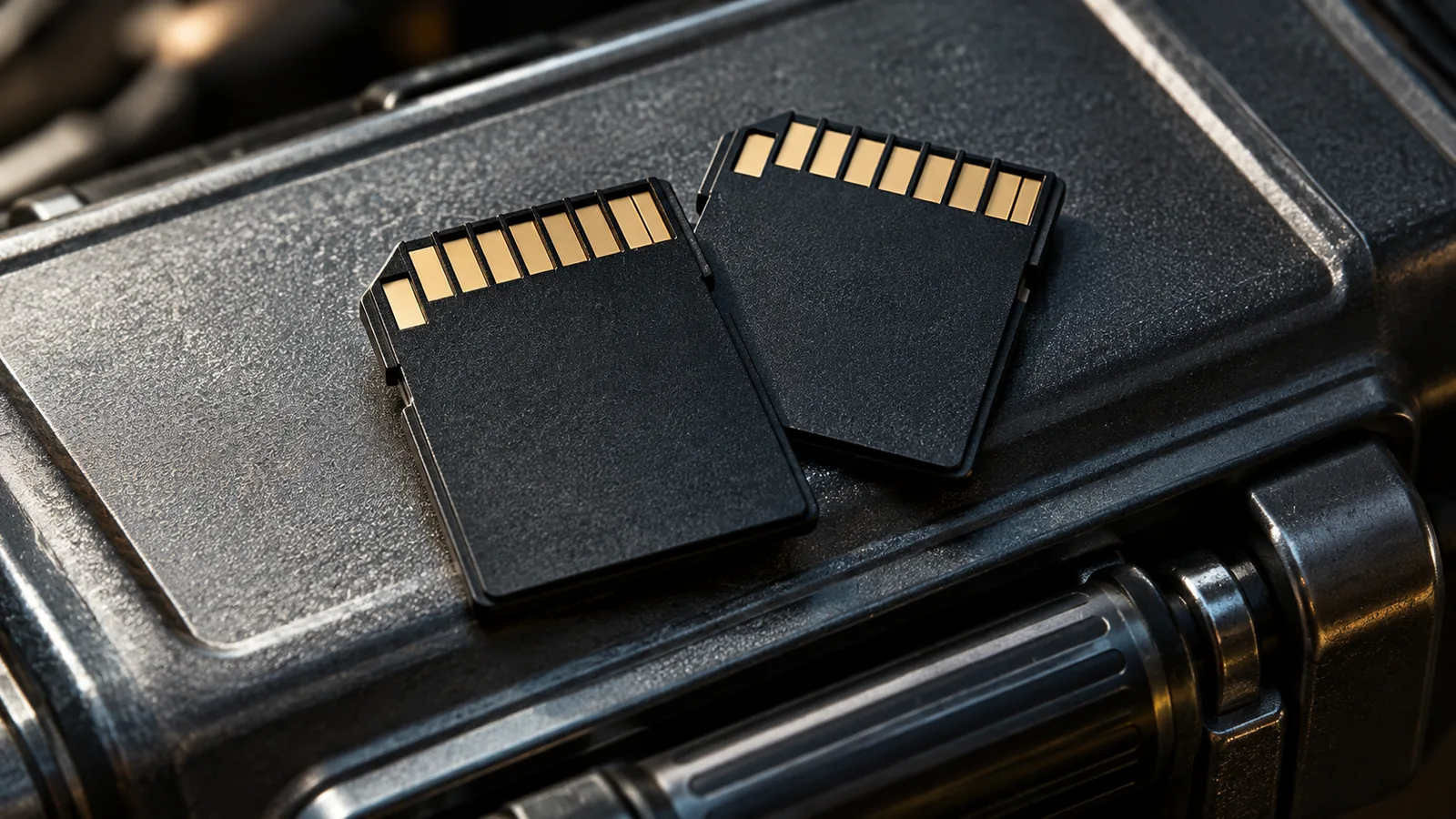
A memory card can present three reassuring promises at once: plenty of storage, an impressive transfer figure and a label mentioning high-resolution video. None is necessarily false. The difficulty is that they answer different questions, while the camera needs a specific combination. Buying the card with the largest printed number can be an expensive way to discover that you compared the wrong specification.
For a creator preparing an interview or a trip, the useful starting point is the recording mode. What will the camera write, and what does its manufacturer require for that mode? Only then does the label become meaningful. A card is not fast enough in the abstract; it needs to support the work the device will ask it to do.
This article does not report a benchmark or rank products. It explains how to connect a card’s claims to a real workflow, including the moments before and after recording. The arithmetic examples are illustrative. A calculation can help you understand a specification, but it cannot replace the camera manufacturer’s compatibility requirements.
Storage space and recording performance are separate questions
Capacity answers how much data can fit. Writing performance concerns how the data reaches the card while you record. A larger container does not automatically accept data at the rate a particular recording mode requires. This distinction matters when a familiar card works for one setting and the camera asks for something different after you change the format.
The SD Association’s explanation of Speed Class describes classes intended to specify minimum sequential performance under defined conditions. For recording, this is a different kind of information from an attractive peak transfer figure. The class symbol needs to be considered with the device’s supported requirements, rather than treated as decoration next to the capacity.
Imagine a hypothetical purchase between two cards. One has more space, while the other matches the class required for the mode you actually intend to use. If the larger card does not meet that requirement, its spare capacity does not resolve the mismatch. The comparison has to begin with suitability; storage size becomes useful after that threshold is satisfied.
This also explains why a card remembered as reliable is not automatically the right choice for a new camera. Your experience belongs to a combination of device, settings and use. Changing one part can change the question. Keep the old experience as useful history, but read the new requirements instead of assuming that reliability transfers unchanged.
Start with the camera manual open
Find the manufacturer’s guidance for your exact model and recording mode. Note the card format, supported capacity range and performance requirements specified there. If the guidance includes a compatibility list or further conditions, read them with the relevant mode in mind. A general statement that a camera accepts SD cards is less informative than its requirements for the setting you plan to use.
Be precise about the mode. Resolution alone does not describe every recording choice. If the manual distinguishes settings, follow those distinctions rather than grouping everything under a phrase such as 4K video. An advertisement may use that phrase broadly; your camera’s instructions should tell you what matters for its implementation.
In a hypothetical interview workflow, the creator settles on one recording configuration before buying media. The shopping task then becomes bounded: identify compatible cards for that configuration, choose an appropriate capacity and plan sufficient space. Without that decision, the creator may keep paying for more impressive labels without knowing whether any of them solve the actual need.
When a requirement is unclear, ask the manufacturer about the exact combination. Include the model, mode and card specification rather than asking whether a card is good for video. A precise answer is easier to apply and retain. A response about a different camera or a different recording option should not quietly become approval for yours.
Interface speed describes another part of the path
The SD Association’s guide to bus interfaces describes standards for transferring data between a host device and a card. Interface capability and recording class are related parts of a system, but they are not interchangeable labels. The performance available depends on the combination, not simply on the most ambitious claim attached to one component.
This distinction becomes visible during transfer to a computer. A card may be used with a camera, a reader and a computer connection, each with its own capabilities. If you change only the card, do not assume that every stage becomes faster. Identify what the full transfer path supports before paying for a feature whose benefit you expect to see during copying.
For a small publication, that can be a separate purchasing decision from recording. You might already have media suitable for the camera but find that ingesting a day’s material is inconvenient. Investigating the reader and connection is then more relevant than replacing every card on the assumption that all delays originate there. Observe the task before diagnosing the component.
Avoid turning an interface name into a blanket promise. A label tells you something about compatibility or capability within a standard; it does not document the results of your own system. Where speed matters to a deadline, evaluate the actual path with representative material and describe the result as a local observation, not as a universal product benchmark.
A short calculation can prevent a long misunderstanding
Video specifications may express a data rate in megabits per second, while transfer figures commonly use megabytes per second. A byte contains eight bits. In a simplified hypothetical example, a constant stream of 200 megabits per second corresponds to 25 megabytes per second before considering other details. Confusing the units would make the comparison eight times wrong.
The calculation is a way to understand scale, not a shopping shortcut. It does not prove that a card just above the arithmetic figure is approved for the camera. The device may impose requirements that the simple division does not capture. Use the manufacturer’s instruction to make the compatibility decision and the arithmetic to understand why the units matter.
Duration introduces another calculation. At a hypothetical constant 25 megabytes per second, an hour represents 90,000 megabytes of data. Real recording behaviour and usable capacity need their own assessment, so this is not a promise of recording time. It does show why a mode that looks modest in a per-second figure can require significant space across a long interview.
These examples are more useful when written beside the intended task. If the project includes several long sessions without an opportunity to copy material, capacity planning differs from a short controlled shoot. The card specification and the shooting plan should inform each other. Neither a bigger card nor a faster interface eliminates the need to estimate how much material you intend to create.
Test the combination you will actually carry
Before an important recording, make a representative test with the intended camera, card and settings. Check that the camera accepts the configuration, that recording behaves as expected and that the resulting files can be opened in your normal workflow. A successful test is useful evidence about that combination; it is not a guarantee against every future failure.
Choose a test that resembles the demand you care about. A few seconds in a different mode may establish that the card is recognised, but it says less about a planned long recording. The purpose is to uncover an obvious mismatch while there is time to respond, not to produce a reassuring clip as quickly as possible.
Keep the observations factual. If the camera displays a warning, record what it says and the settings in use. Do not immediately decide that the card is counterfeit, the camera defective or the format unreliable. Those are possible explanations requiring evidence, not conclusions supplied by the warning itself. Consult the manufacturer’s guidance for the specific symptom.
After the test, inspect the complete route to the editing system. Being able to see a thumbnail is not the same as confirming that the intended file can be opened and used. The relevant check depends on the project, but it should include the point where the material becomes workable for you. A recording workflow ends later than the camera’s stop button.
Keep a card’s identity separate from its current contents
When several cards look alike, an organisational mistake can be harder to explain than a specification mismatch. Give each card a simple internal identifier and use it consistently in your notes or storage system. The identifier should distinguish the physical item without encouraging you to assume that it is empty, copied or cleared for reuse.
In a hypothetical two-day shoot, a card’s status might move from prepared to recorded to copied and checked. Those states should be explicit to the people handling the material. A pouch position can be part of the system, but everyone involved needs to understand it. If the meaning changes during the trip, the system becomes another source of uncertainty.
Before erasing or formatting, verify that the material you need has been preserved and checked according to your backup plan. Follow the device manufacturer’s instructions for preparation. Do not treat a formatting operation as a performance ritual to carry out while the only copy of an interview remains on the card. Data management has to precede reuse.
This organisational work does not make a card faster. It protects the relationship between the physical medium and the recording you care about. Technical suitability and a clear handling process solve different risks, so one should not be offered as a replacement for the other. Buying premium media cannot prevent a person from choosing the wrong item to erase.
A shared kit needs shared settings
If several people use the same camera, a card decision can outlive the setting that justified it. One person prepares a kit for an interview; another later changes the recording mode for a different project. The fact that the media was checked in the first situation does not settle the second. Keep the intended configuration clear when handing over equipment.
In a hypothetical small team, the handover note identifies the camera, recording mode and media prepared for the job. It also distinguishes blank media from material waiting to be copied. The note is not a technical guarantee. It gives the next person enough context to know what was checked and what must be reconsidered if the plan changes.
This is more useful than calling the whole kit video ready without explanation. A broad label can conceal different assumptions about resolution, duration and transfer. Naming the actual requirement makes a change visible: if the project asks for a different mode, the team returns to the relevant documentation instead of silently extending the earlier decision.
Spend for a requirement you can name
A useful purchase decision can be explained in one sentence: this card matches the device’s requirement for this mode and provides suitable space for this plan. You may also value a transfer capability supported by your workflow. Those are specific reasons. Buying the most expensive option because the labels are confusing is a less informative decision.
If two suitable options remain, compare their documented characteristics, warranty terms and reliable supply sources without inventing test results you do not have. A product description is a manufacturer’s claim, not an independent benchmark. A personal anecdote from another configuration should be labelled as such rather than elevated into proof about every recording scenario.
The goal is not to memorise every symbol in the SD ecosystem. It is to recognise which question each symbol answers, then connect that answer to the camera and the work. Capacity, interface and recording performance can all matter. Reading them separately is what makes it possible to choose a combination that makes sense together.